
Cabin Browser
Browse with built-in ad blocking and edit your files offline, from a Word document to a finished video.
For Mac, Windows, Linux, iPhone, iPad and Android
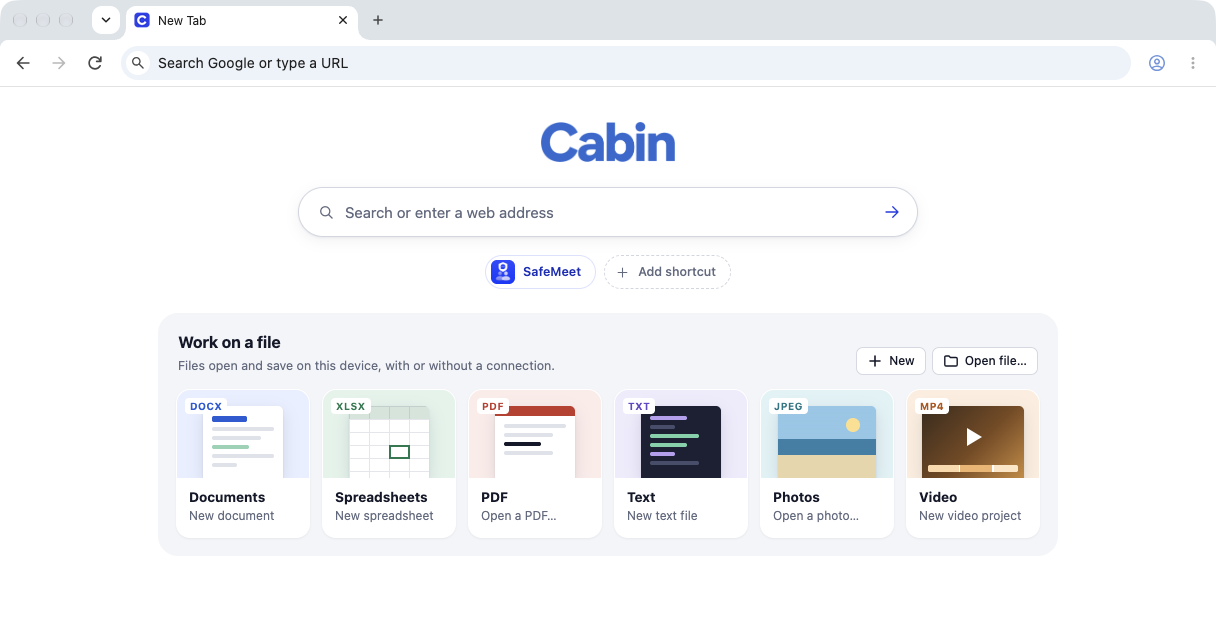
Edit files right in your browser
Open a file from a new tab, make your edits and save it on your device.
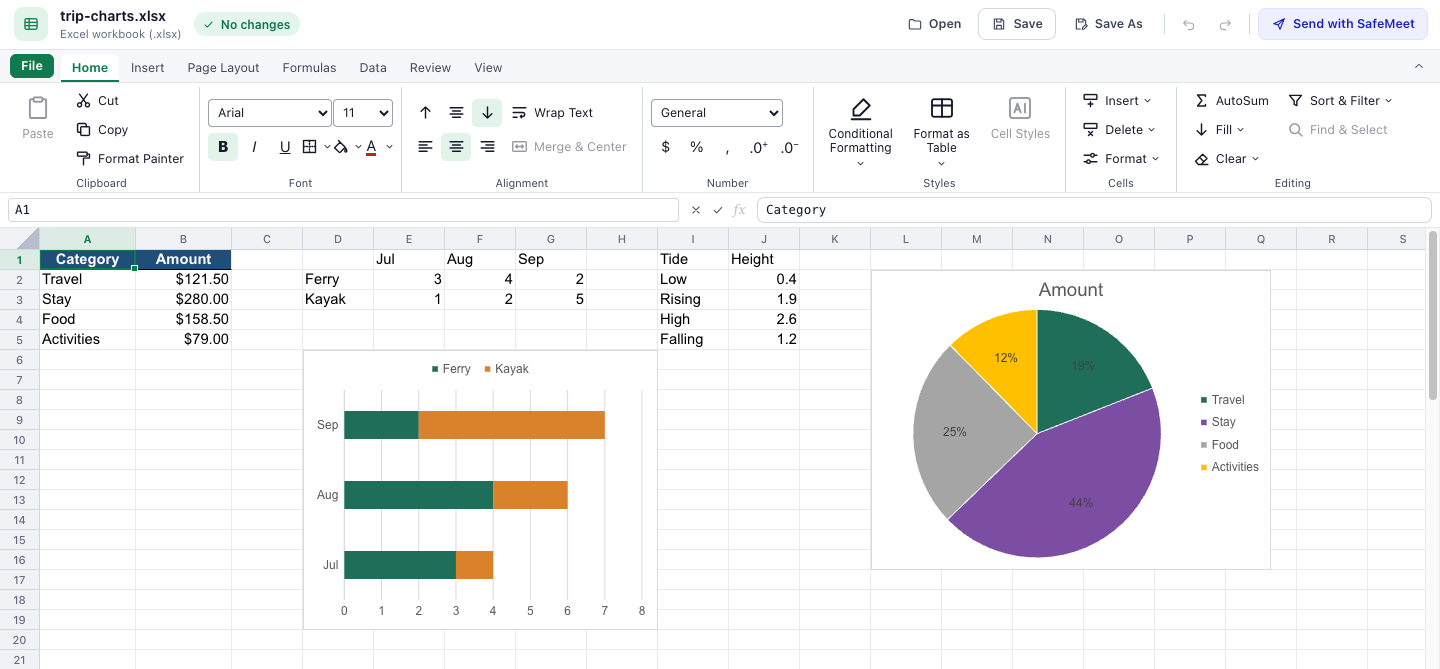
Excel spreadsheets
Total a budget with AutoSum and compare expenses in charts.
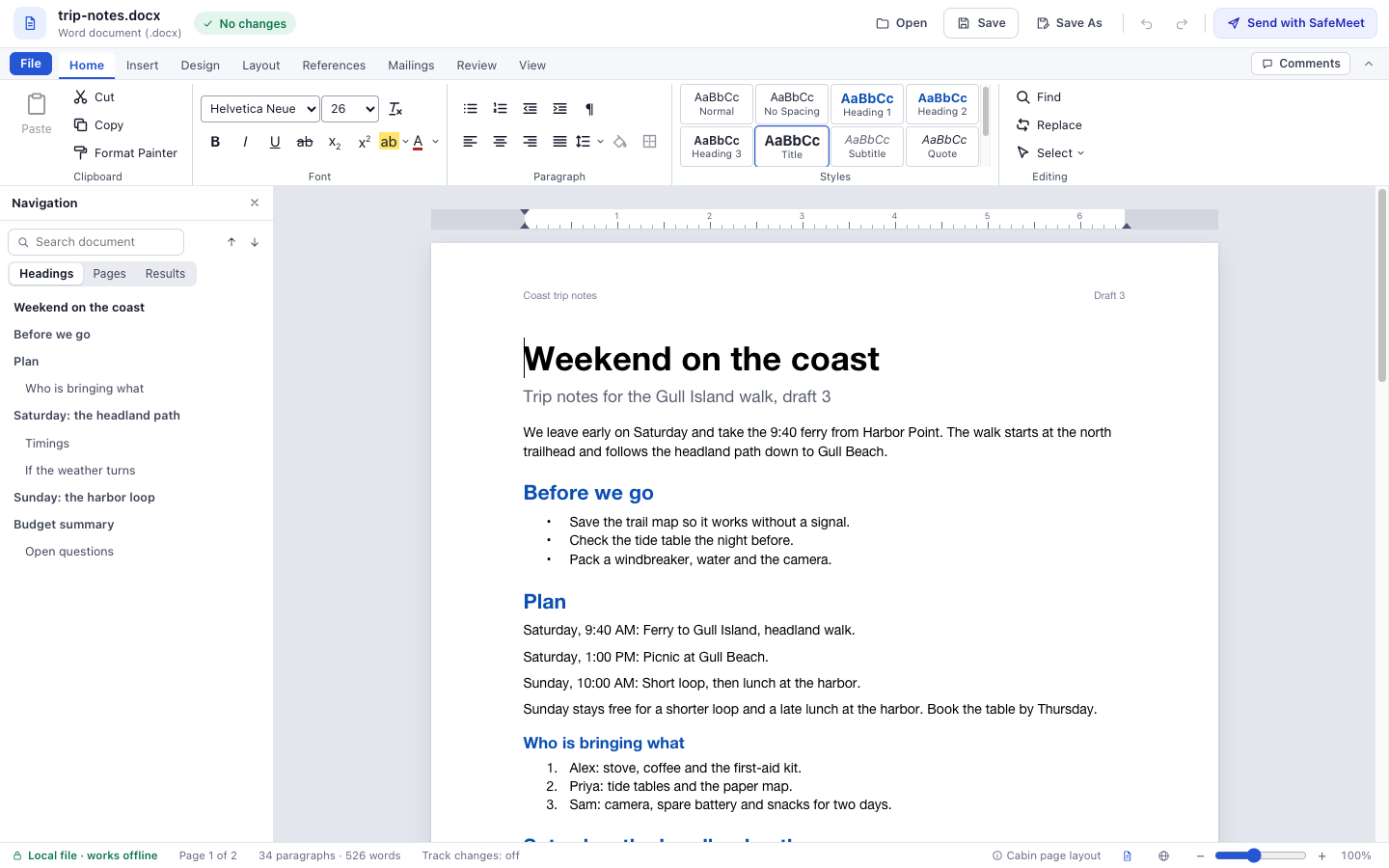
Word documents
Format headings, make lists and jump between sections using the document outline.
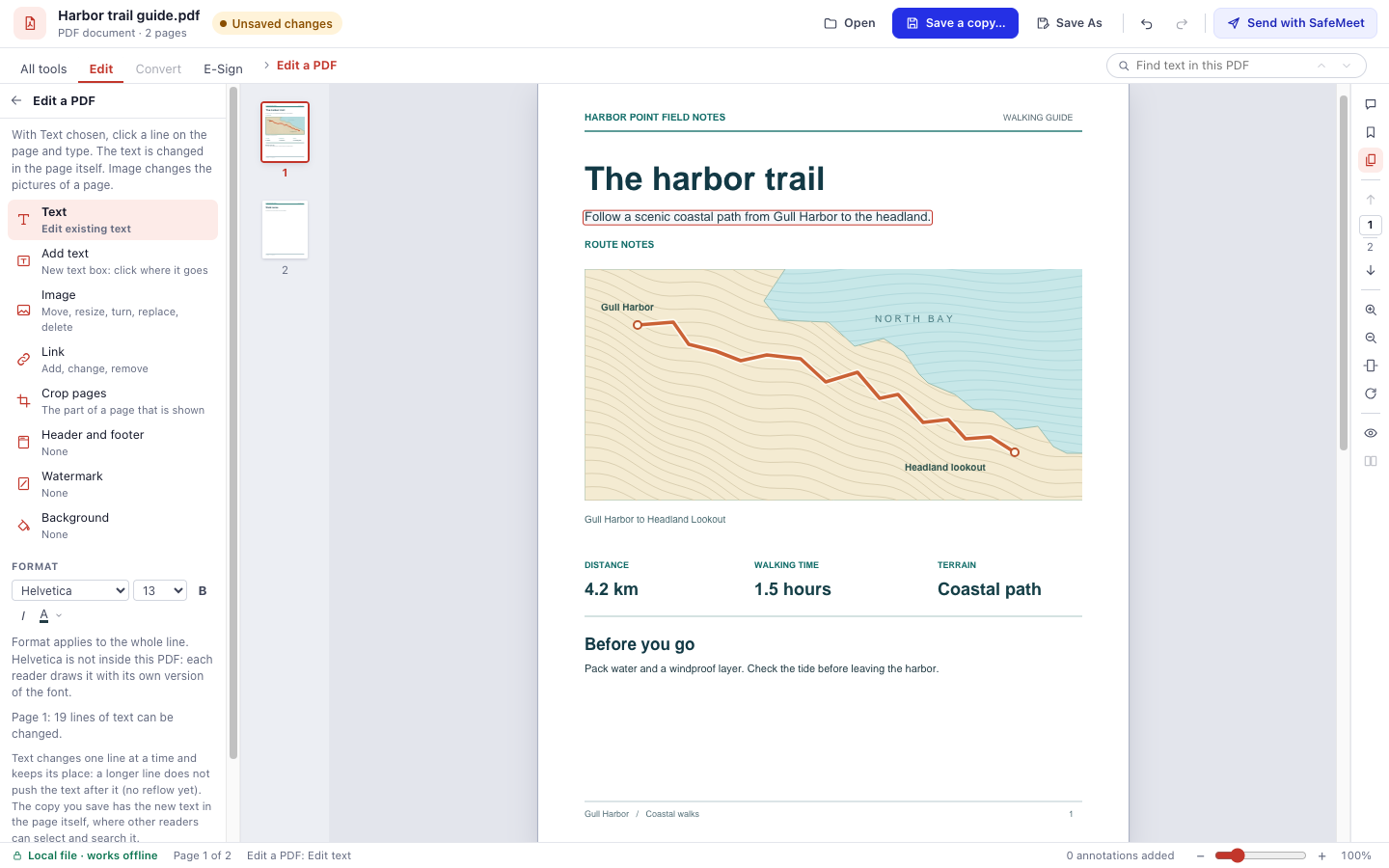
PDF editing
Edit text, annotate a page and save a copy to share.
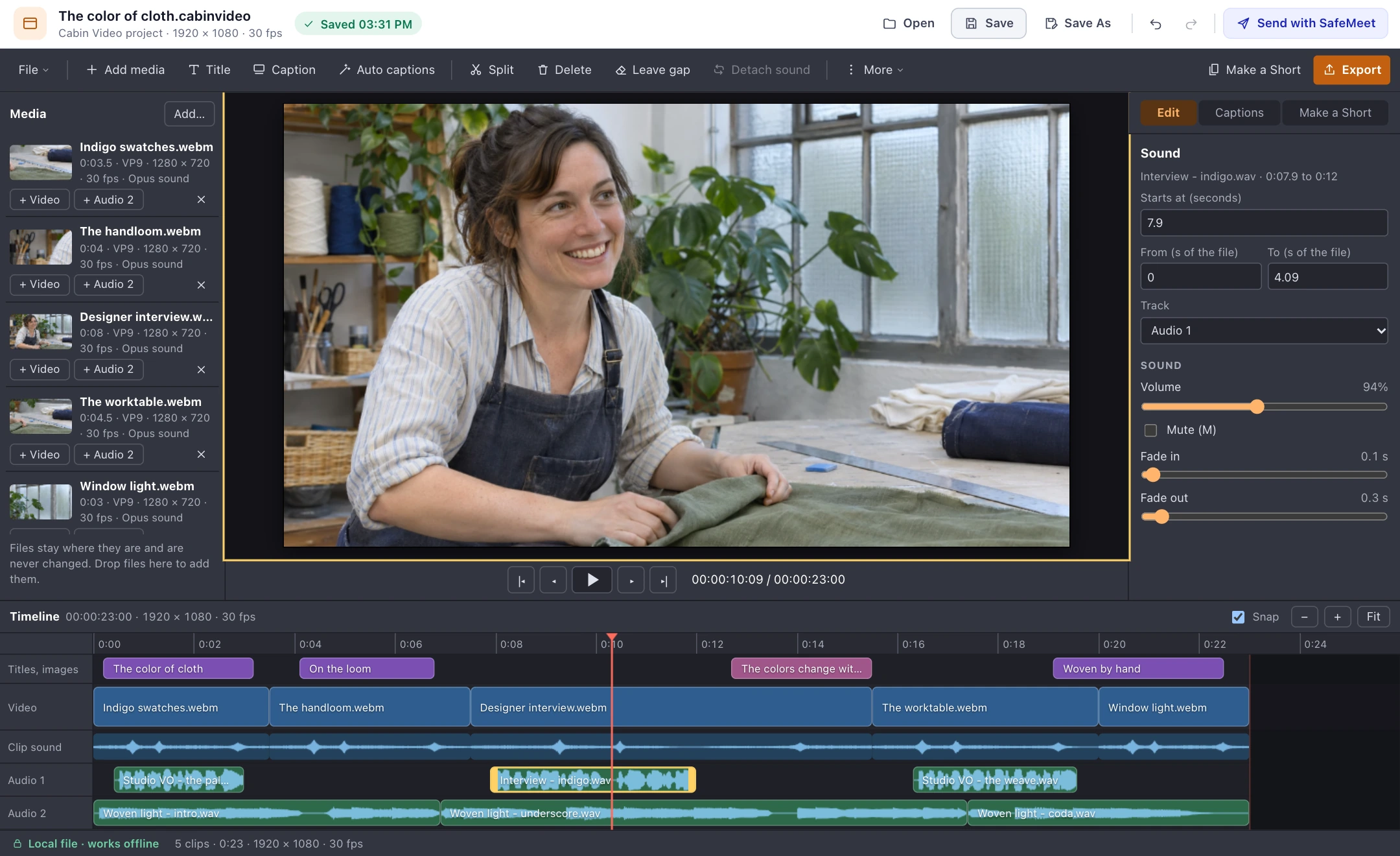
Video editing
Cut between camera clips and layer music under the presenter’s voice.
- Presentations
- Start from a template or edit the text and images in a PowerPoint deck.
- Text and code
- Write notes, edit Markdown or search and replace text in source files.
- Photos
- Crop a photo, adjust its colors or start a design on a blank canvas.
Everyday browsing
A quick start
Open a new tab and start typing. Enter a web address, run a search, or use a shortcut to return to a favorite site. Search text stays on your device until you submit it from the New Tab page.
Built-in ad blocking
Cabin filters matching ad requests before they reach the network. Use the shield next to the address bar to turn blocking off for an individual site.
Scans and file conversion
Make a scan searchable
Open a scanned PDF and run text recognition locally. Save a searchable copy so you can find a name or phrase in the document.
Convert photos and PDFs
Turn HEIC photos into JPEGs, or combine several pictures into one PDF. Cabin processes the files on your device.

Share a file with SafeMeet
Save your work, then select Send with SafeMeet to open the web app. Choose a contact or chat room, attach the saved file and send it in an end-to-end encrypted chat.